

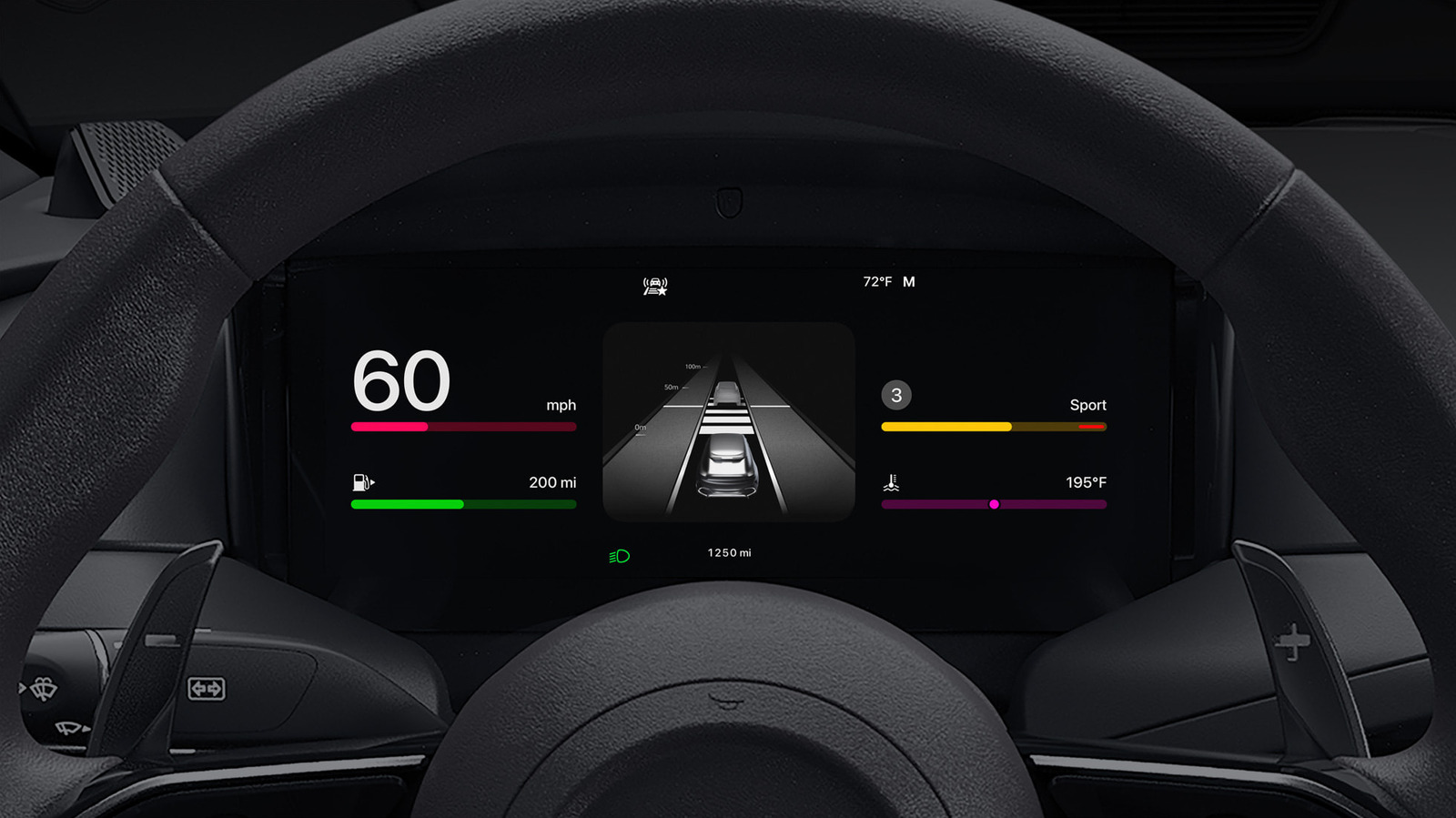
CarPlay can become even better when you take a few minutes to customize it.
Your iPhone turns your car’s infotainment system into a navigation and communication hub, thanks to CarPlay. While it works great by default, there are several ways to make it even better, plus new features that arrive every so often.
From configuring CarPlay basics to designing the perfect app layout, adjusting the feature can make your commute safer and more entertaining. And with iOS 27 bringing several new updates to CarPlay, now is a great time to dive into this core iPhone function.
Make the most of the layout and display
The easiest way to up your CarPlay game is customizing its layout to your liking. You may be surprised to learn that you must rearrange icons on your iPhone, not your car’s display. To do this, open Settings on your iPhone, tap General and select CarPlay. From there, select your vehicle and enter the Apps menu.
Here, you’ll find a list of apps on your phone compatible with CarPlay; drag them up or down to make the most important ones readily available on your CarPlay screen. The size of your car’s display defines how many apps make it onto the first page, so you may have to get creative when prioritizing your most-used ones. To remove or add apps, tap the red minus or green plus, respectively.
Starting with iOS 26, you can further organize your infotainment system through CarPlay widgets. These bring the same quick views you use on your phone’s Home screen, such as weather, calendar and clock, to your Car’s display. Edit them by tapping Widgets on the same menu where you selected your Apps earlier. CarPlay will intelligently swap your widgets throughout the day if enable Smart Rotate, and the similar Widget Suggestions will show available ones even if you haven’t added them.
CarPlay’s overall brightness should shift with your dash controls, but you can go further to toggle light and dark mode to suit the conditions to the time of day. Go to Settings > Appearance on your CarPlay screen, then select Automatic to allow your CarPlay brightness to adjust automatically. Apple’s CarPlay visual accessibility guide can also help here.
To spruce up its look, customize your wallpaper by opening Settings inside CarPlay and tapping Wallpaper. Choose your favorite option and hit Set. You can also change the colors of your icons, toggling between Default, Dark and Clear, under Settings > Customize icons in CarPlay.
Maximizing what you get from CarPlay
Siri is built into CarPlay; by saying “Hey Siri” or pressing the voice button on your car’s steering wheel, you can send messages, start navigation, change the playlist and take other actions. On a compatible iPhone, the revamped Siri AI in iOS 27 is also more useful in the car. And if the assistant is becoming a backseat driver, you can stop Siri from interrupting you while using CarPlay by tinkering with various settings.
If you like, you can go further by enabling Voice Commands, an accessibility feature that provides more CarPlay controls with your voice. To turn this on, go to Settings > Accessibility > Voice Control in CarPlay. Once enabled, it will continually listen for commands like opening apps, swiping left/right or touching a certain element on the screen. For a full list of commands, see Apple’s Voice Control CarPlay support page.
The Focus feature is a productivity must-have on your iPhone, and the Driving Focus helps reduce distractions from notifications while not affecting essential driving apps. To enable Driving Focus, go to the Settings on your vehicle’s CarPlay display, select Driving Focus and choose Activate with CarPlay. For best results, customize your Driving Focus notification settings on your phone by going to Settings > Focus > Driving. Under People, select contacts whose messages you’d like to allow through or silence. You can also allow repeated calls from people who are otherwise suppressed, as well as create auto-replies. Visit the While Driving tab to turn on this Focus automatically whenever you connect to CarPlay, if you didn’t already do so on your iPhone.
Beyond these settings and app changes, elite CarPlay users use both wireless and wired connections depending on the situation. Although a wireless connection is convenient, it doesn’t charge your phone while using it unless your car has a wireless charging pad. As such, on extended road trips, plugging in your phone is the right choice to keep the battery topped up.
Other little tricks make CarPlay even smoother. In the Messages app on your iPhone, tap and hold a frequent conversation and choose Pin to keep it at the top — doing this will also pin it in the Messages app for CarPlay. And don’t forget about the Shortcuts app, where you can build CarPlay automations.
