

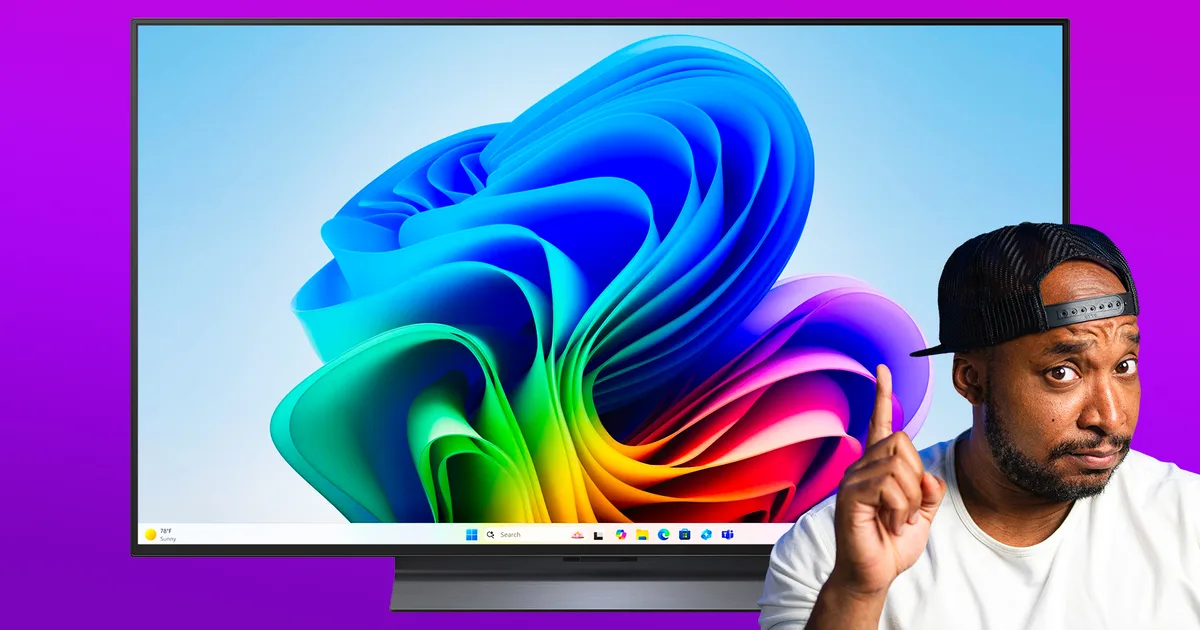
In this episode of You Asked, we tackle viewer questions about using the LG C4 as a PC monitor in 2026, fixing greyed-out picture settings on Samsung TVs, getting the best performance out of the TCL QM6K Pro, and connecting a satellite box to a Sony Bravia TV running Google TV.
Is the LG C4 still worth using as a PC monitor in 2026?
LG C4 OLED Zeke Jones / Digital Trends
@1おっさん0 asks: Guys is this (LG C4) still worth it in 2026? I might get a 42 inch as a pc monitor
To that, I would say yes if you can find one. I’m assuming they can since they asked the question. But I also think it kinda depends on the use case.
If you’re gaming, absolutely. The C4 has a 144 hertz refresh rate, and it’s just straight up a great looking OLED. The wow factor you’re gonna get from gaming on it, especially in HDR, is great.
Same for watching movies. It’s just gonna be something that a TV is gonna handle much better than a traditional monitor.
Also working in your favor is the stand. The central pedal stand is nice to have so you don’t need to rely on a desk or the placement on the desk being wide enough to support legs on each side.
Zeke Jones / Digital Trends
The only setback, I guess depending on your viewing angle or setup, is 42 inches potentially being too big. That will primarily come down to user preference. Otherwise, I can’t see too many negatives, especially if you get it at a good price.
Also, be sure to be aware of how long it’s running and staying on in the background, just for burn-in sake with the same elements on the screen for a long time.
Why are picture modes greyed out on the Samsung S85F?
Samsung
@ronhyde asks: I have a new 77inch Samsung s85F. I cant find the picture mode option nor can I find intelligent mode. Some categories are greyed out. Any advice? Thanks
Hey Ron, maybe you’ve figured this out by now, but just in case, I think this is a case of just being on the wrong screen. I’ll show you what I mean.
On the home screen, when you go to change the Picture Mode, you can’t. It’s greyed out and locked in Standard mode because it’s just the home screen and not actual content.
However, when you open up YouTube or another app that displays shows or movies, then it’s available, and you can cycle through the picture options as you normally would.
Zeke Jones / Digital Trends
As for Intelligent Mode, that’s when you want to make sure that you’re not in a specialized mode like Movie or Filmmaker or Game Mode. In Standard Mode, at least for me on the QN90C, I have access to Intelligent Mode, even on the home screen.
Also, make sure your TV’s light sensor isn’t disabled or covered up since Intelligent Mode relies on that to measure the ambient light in your room.
And the last thing I’ll say, Ron, and this is a personal preference. You don’t want to go the Intelligent Mode route. Go with Movie Mode and with 99 percent of content you’ll get a more accurate and consistent, but still saturated and bright picture with what you’re watching.
I just couldn’t let that go unsaid. I’m sorry. Enjoy your TV however you want.
Why the TCL QM6K Pro may not feel like a big upgrade from the Samsung KS8000
TCL QM6K Zeke Jones / Digital Trends
Harman asks: Question: Why does the TCL QM6K Pro not really feel like much of an upgrade from the Samsung KS8000? I recently went into Costco intending to buy an OLED TV, but couldn’t resist buying the 77″ TCL QM6K Pro for $699 for my parents to replace their old 65″ Samsung KS8000. I compared the picture quality on both TVs using SDR YouTube content and HDR content from a 4K Blu-ray. I honestly couldn’t tell much of a difference. I know that the QM6K Pro is a more budget TV, but shouldn’t there still be more of a picture quality difference given that it has been 10 years since the KS8000 released?
That is interesting. It sounds like you did a solid side-by-side test, but if you’re not seeing a difference, I’m assuming it’s because you’re just running the QM6K Pro straight out of the box instead of dialing in some key settings to get the most out of it.
Also, for those wondering, the QM6K Pro is a Costco exclusive model that’s basically the same as the standard QM6K, except its particular panel handles reflections better.
Anyway, here are some of the basics to get you on the right path and make that QM6K Pro shine.
TCL QM6K Zeke Jones / Digital Trends
First, if you haven’t already, get that TV out of Energy Saving mode. It puts a cap on how bright the TV can get. I think limiting it to 60 percent, if I’m not mistaken. It’s already playing with one hand tied behind its back.
You’re also going to want to turn off the Intelligent Settings. Just like with Energy Saving, it’s another mode that takes the control out of your hands. Instead of letting the TV determine brightness and color temperature and all of that, we’re going to do it ourselves.
For picture mode, try Movie. It’ll give you a pretty accurate and warm picture without overdoing the color. You’ll also want to adjust your brightness in SDR and HDR mode, but this next setting is the one that I think will give you the most help.
Zeke Jones / Digital Trends
I’m not sure exactly what the right menu path is on the QM6K Pro, but within Picture Settings, find the Advanced Settings and then Brightness Settings. Then go to Local Contrast. I recommend setting this to High.
This allows the TV to push the bright areas brighter and keep the dark areas darker, basically increasing contrast, which is important because it’s the first thing that our eyes notice when looking at a TV screen.
From there, go back to your brightness settings and see what your preference is. The TCL QM6K Pro is definitely an upgrade of a TV, but it might need a little help getting where it needs to be to really stand out.
Can you connect a satellite box to a Sony Bravia 8 Mark II with Google TV?
Sony Bravia 8 Mark II Zeke Jones / Digital Trends
@bargeutube asks: Looking to buy a Bravia 8 2, we get our live tv via satellite box, will I be able to connect to that if I choose Google TV in the setup?
Finally, a viewer asks: I’m looking to buy a Sony Bravia 8 Mark II. We get our live TV via satellite box. Will I be able to connect that if I choose Google TV in the setup?
Yes, you absolutely will. Just as you normally would, connect your satellite box to the TV via an HDMI cable, and then you’ll be able to select the HDMI input you have it plugged into to access live TV.
And don’t skip this step. Go into the menu and find the Power On behavior, and set that to the last used input instead of the Google TV home screen.
That way, when you turn off the TV after watching live TV, when you turn it back on, it goes right back to that instead of the Google TV home screen.
