

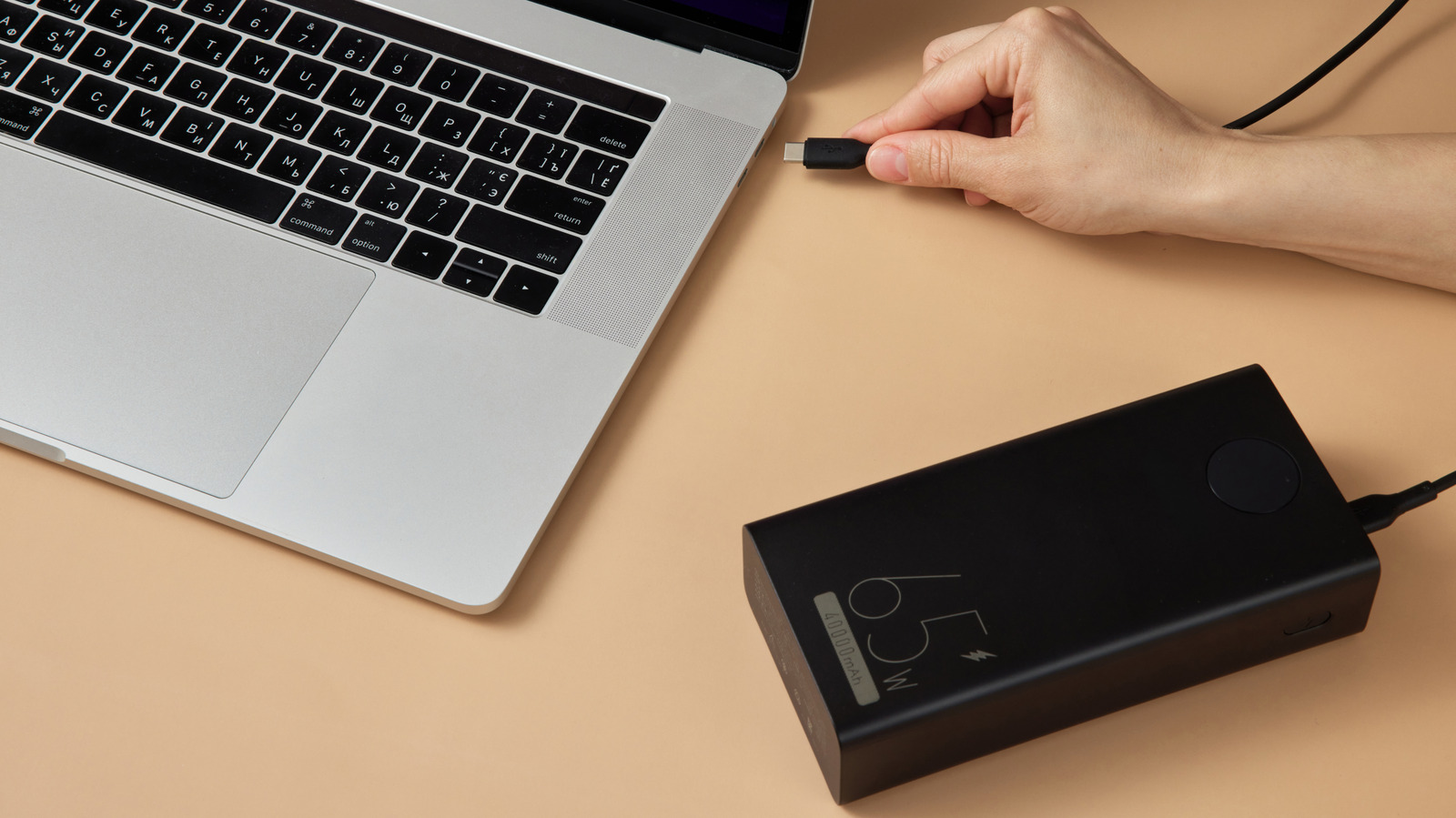
Don’t let the big mAh number fool you. The better comparison is watt-hours.
Erstudiostok/Getty Images
While most good power banks can theoretically extend your laptop’s runtime by providing a small amount of charge, a proper laptop power bank will store enough energy and charge faster than the battery drains. Two values explain the experience you’ll have: watt-hours (Wh) for capacity and watts (W) for output. Power banks provide their capacities in milliamp-hours (mAh), but for a proper measure of capacity across devices (especially for a higher-drain device like a laptop), you need to multiply this value by the voltage to get the true amount of energy stored in watt-hours.
Most power banks store energy in lithium-ion cells at about 3.7 volts (V). Watts are equal to volts times amperes, and you must divide the mAh count by 1,000 since 1,000 mAh is one amp. So for example, a 10,000 mAh bank stores roughly 37Wh (3.7V x 10Ah) before conversion loss. Doubling the mAh doubles the Wh as long as voltage stays consistent, so a 20,000 mAh bank is about 74Wh.
Next, you need to know the Wh rating of your laptop’s battery, which you should be able to find on the manufacturer’s website. Without a wattmeter, it’s difficult to know how much power your laptop uses on average, so we can estimate it by dividing the Wh capacity by how many hours the battery lasts. For example, a 70Wh battery that runs for 5 hours is averaging 14W of power usage. Of course, the instantaneous power usage differs based on what you’re doing (scrolling a PDF uses far less energy than rendering video).
Using modern MacBooks as an illustration, their batteries are rated from ~37Wh (MacBook Neo) up to 100Wh (16-inch MacBook Pro). That means charging your MacBook with a 10,000 mAh (37Wh) bank won’t even provide a full top-up in most cases. And the capacity doesn’t tell you how fast the charging happens.
Understanding what your power bank is capable of
Before you calculate how long a power bank should run your laptop for, you also must take into account that the charging process isn’t perfectly efficient. For fast charging standards like USB Power Delivery, the bank has to increase its voltage to push enough power (watts) to charge your laptop quickly enough that it doesn’t drain. Some energy is lost in this changeover, as well as generally from heat. 20 percent efficiency loss is a general rule for normal charging, but around 30 percent (or even higher) is more realistic when fast charging.
With all these values, you can finally estimate how much additional time a power bank will run your laptop for. Say you connect a 20,000 mAh 45W USB-C bank to the theoretical laptop mentioned above. Subtracting 30 percent for the overhead, that 74Wh power bank has an effective capacity of ~52Wh. With a laptop averaging 14W, the power bank would extend its runtime by around 3.7 hours. If the laptop ever needs to draw more than the 45W the bank can provide, it will draw power from its internal battery alongside it — the bank is thus supplementing the internal battery to extend its life.
The important point is that you can’t assume a power bank’s capacity is the same as its output. A portable 50,000 mAh battery is great, but that capacity doesn’t tell you how much power it pushes. A large-capacity bank rated at 15W will only slow the laptop’s power drain, or it could be rejected entirely. For laptop banks, the label to look for is “USB-C PD.” In simple language, this means the bank and laptop negotiate a higher charging level than an ordinary USB port.
Always check the bank’s per-port output too, because the total output number can be deceptive. For instance, if the bank description says “100W total,” it may not be capable of this full output on any given port, or it may deliver less than 100W when you’re charging a phone and a laptop at the same time.
For most people, a 20,000 mAh/74Wh bank is a reasonable emergency or partial-charge option, while a 27,000 mAh/100Wh is closer to the sweet spot. In the US, 100Wh is also the limit for power banks allowed on a plane without approval. if you need suggestions, our favorite laptop power banks span all needs.
Why can’t my power bank charge my laptop?
Vadym Plysiuk/Getty Images
Similarly to plugging your laptop into your car’s USB port, a weak power bank might be providing power to your laptop, but not as fast as the laptop’s battery is draining under use. There are a few other possibilities. Check whether your laptop supports charging through USB-C. Some USB-C ports handle data, video or other accessories, but can’t run a charger. If there’s no indication on the ports themselves, check the manual if you still have it or look at the product specs online.
Next, check whether the bank supports USB-C Power Delivery at a high enough per-port wattage. A basic 15W USB-C output can charge a phone, but won’t make a dent in a laptop drawing 65W+. If the bank’s output is below the laptop’s needs, the computer will either reject it or only charge under light use after warning you of a “slow charge.”
Lastly, check the cable, as not every USB-C cable is rated to carry high-wattage power. A standard USB-C cable generally supports up to 3 amps, while higher-power 100W and Extended Power Range connections will require a 5-amp-rated cable. USB PD 3.1 can provide up to 240W, but only when the laptop, bank and cable all support the needed power level.
As long as the hardware is compliant, your USB-C PD devices will negotiate a compatible voltage and current. Avoid anything that’s damaged or ancient cables you hauled out of a cardboard box — those aren’t going to handle today’s power needs.
