

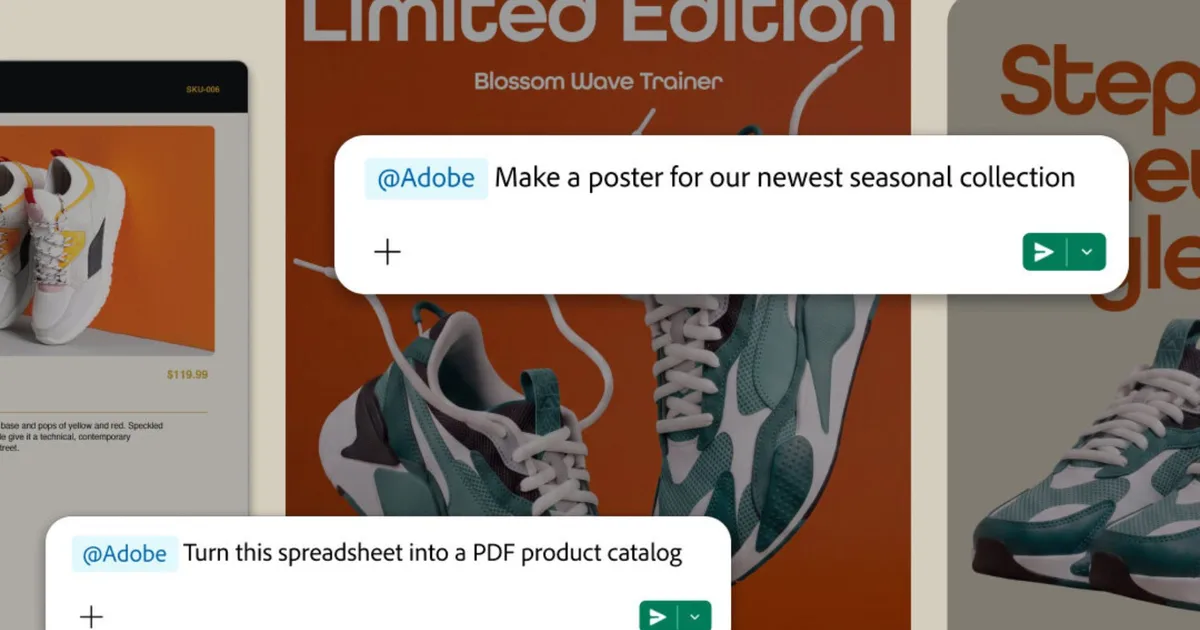
Creating a marketing graphic or editing a PDF is now as easy as sending a Slack message. Starting today, Adobe for Slack lets you turn everyday conversations, shared files, and project briefs into polished images, videos, and documents, without leaving your Slack workspace.
Slack can now create Adobe content with simple prompts
Everything runs through Slackbot, Slack’s built-in AI assistant. Tell it what you’re after, like turning a marketing thread into a poster, and it figures out which Adobe tool needs to handle the job. That could be Firefly, Photoshop, Premiere, Acrobat, Illustrator, InDesign, or any of the other 70-plus tools now plugged in.
Adobe
What makes this feature useful is that Slackbot reads context on its own. It’ll pull from relevant conversations, Canvases, and shared files, so you’re not stuck typing out background info it could’ve just found itself. You can also ask it to dig through your Creative Cloud library, searching by subject, style, or even mood, then pull those older assets straight into your current chat to keep working on them.
Repetitive stuff gets easier too, such as batch editing product shots, resizing approved campaign creative for different platforms, or turning a raw spreadsheet into something you can share with a client.
Creative teams can collaborate without leaving Slack
Adobe
Adobe says the integration is built for more than individual creators. Teams can review assets, share feedback, and iterate on designs directly inside Slack channels while keeping projects connected to Adobe’s creative ecosystem. Businesses can also use Adobe Experience Platform agents to automate marketing and customer experience workflows from within Slack.
This feature isn’t free, though. You’ll need a qualifying Slack plan, either Business+ or Enterprise+, and your own separate Adobe subscription on top of that. This launch follows Adobe’s integration for ChatGPT last month, and an existing Claude integration. Adobe plans to release the same capabilities for Gemini in the sometime in future.
